
Surfing the internet wirelessly but safely
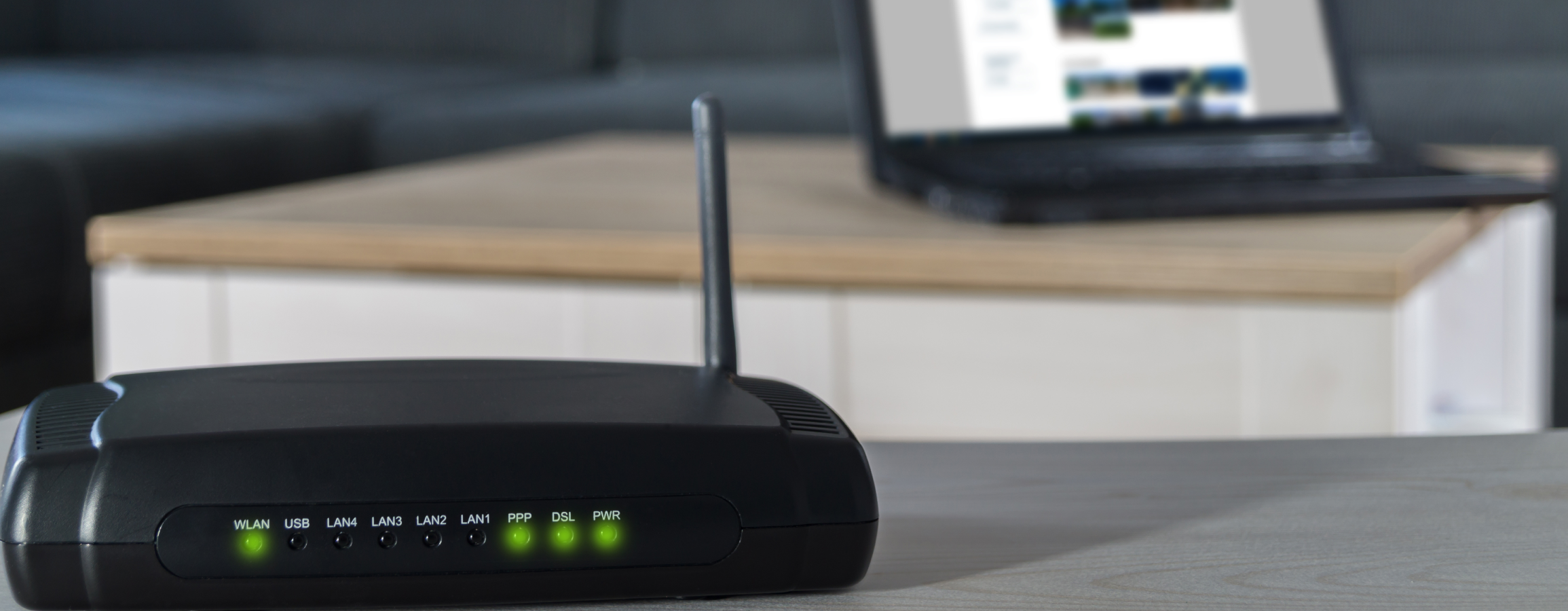
For surfing the web wirelessly, you need a so-called router which sends the internet signal to devices in its immediate surroundings. Consequently, also people outside your own home could access the connection. For this reason, digitally literate people should protect their device and encrypt the connection. Usually, the provider supplies and sets up the router. You will also receive access data for the router settings. You are advised to change these access data immediately so that nobody can access the router settings. To do so, enter the IP address of the router in the address line of the web browser as if it was an Internet address (the IP address is the unique identification feature of any device on the Internet, comparable to the postal address of a house). Next, you can set a new user name and password. Neither should allow for any conclusions to be drawn about your identity and the password should meet common security standards.
Furthermore, it is important to encrypt the WLAN connection. Currently, the WPA2-PSK encryption is the safest one and usually already preset. You should also change the default password. Finally, it also makes sense to turn off the WLAN if it is not used for a longer period of time, e.g. overnight. Not only does this save energy but it also prevents access from outside.